Best AI Grammar Checker Tools in 2026
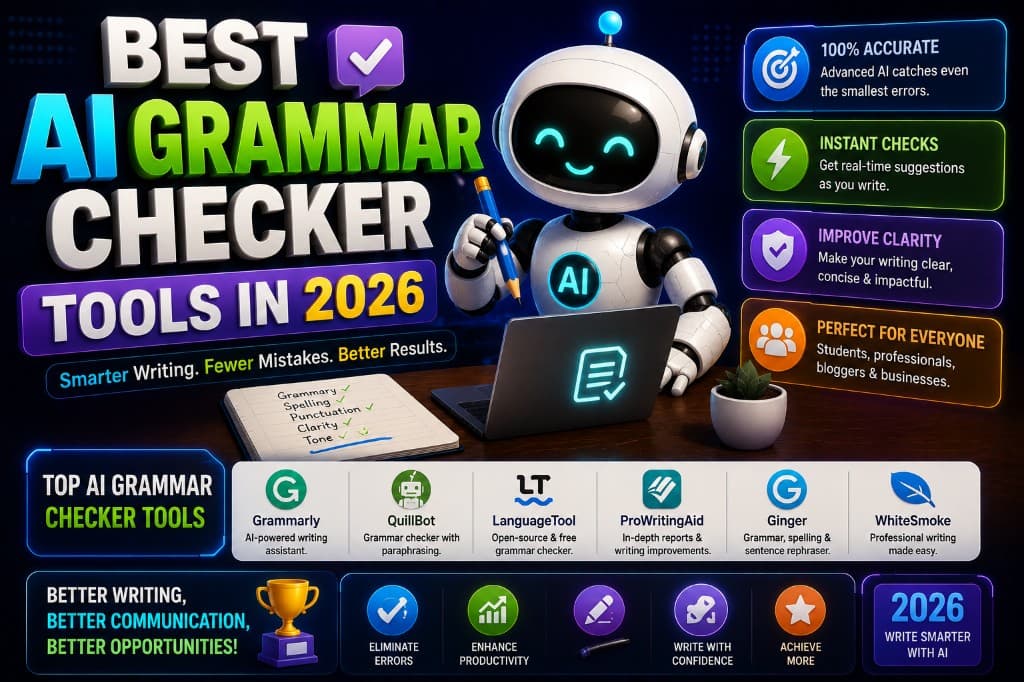
I've been writing professionally for over a decade. I've edited other people's work for most of that time. And in January of this year, Grammarly caught a comma splice in a client proposal that had been sitting in my drafts for three days — a proposal I had read aloud twice, considered finished, and was 20 minutes from sending.
That particular comma splice wouldn't have ended the world. But it was in the second sentence of the document, which is exactly where a client forms their first impression of how careful you are. I felt a specific kind of embarrassment: the embarrassment of realizing that the thing you pride yourself on isn't as bulletproof as you thought.
That experience is what made me take grammar checkers seriously as tools rather than as training wheels for beginners. Here's what a year of deliberate testing across five different tools actually shows.
What Separates the Good Ones From the Mediocre
Every grammar checker catches obvious errors: missing periods, basic subject-verb disagreements, clear spelling mistakes. The tools at the top of this category earn their place by catching what comes after the obvious — the errors that survive your own proofreading because they're grammatically defensible, just subtly wrong.
The three categories that separate excellent tools from adequate ones:
Context-aware suggestions — flagging "their" vs "there" based on the sentence, not just the word. Basic tools still miss this.
Style and register — identifying when a sentence is grammatically correct but tonally off for its context. This is where Grammarly and ProWritingAid diverge from LanguageTool.
Explanation quality — telling you why something is flagged, not just that it is. Tools that explain reasoning are worth more than tools that just underline.
Grammarly Premium — Best All-Around
Price: Free (basic). Premium: $12/month annually, $30/month monthly.
Grammarly earns its dominance in this category by doing the most complete job across all three quality dimensions. The context-aware suggestions are genuinely impressive — it catches the kind of errors that survive multiple read-throughs because they fit the surrounding text well enough that your brain fills in what you meant rather than what you wrote.
The clarity and delivery suggestions in Premium go beyond grammar into style: flagging overly complex sentences, identifying passive constructions that would read more directly as active, and pointing out hedging language that weakens a confident statement.
Where Grammarly is weakest: technical niche content. In SEO writing and AI-related articles specifically, it occasionally flags industry-standard terminology as errors or suggests replacing precise technical terms with softer alternatives. I've learned to review every suggestion individually rather than accepting in bulk — which is good practice regardless of the tool.
Personal moment: The first time I ran a piece through Grammarly Premium and saw 47 suggestions on something I considered clean — not typos, but genuine clarity and style issues — I spent about ten minutes feeling defensive before I started reading them. About 30 of the 47 were right. That ratio changed how I think about my own first drafts.
ProWritingAid — Best for Serious Writers and Longer Work
Price: Free (500-word limit per check). Premium: $20/month or $79/year ($6.58/month annually).
ProWritingAid does something Grammarly doesn't: it produces detailed style reports. Paste in a 3,000-word chapter and it returns a readability analysis, a pacing report (identifying sections where your sentence length becomes monotonous), a sticky sentence report (flagging sentences where common filler phrases slow the reader down), and a vocabulary depth score.
For bloggers producing short-form content, these reports feel like overkill. For anyone writing long-form content — essays, reports, research pieces, ebooks — the depth of analysis is genuinely useful in a way that Grammarly's inline suggestions aren't.
The $79/year annual plan makes ProWritingAid one of the better-value subscriptions in this category. For the volume of analysis it provides, $6.58/month is a real bargain compared to Grammarly's $12/month.
LanguageTool — Best Free Grammar Checker
Price: Free (generous). Premium: ~$5.83/month annually.
LanguageTool's free tier is the most useful in this category for basic grammar checking. It supports 30+ languages, has a browser extension that works across most platforms, and catches the majority of grammatical errors without any cost.
What the free tier misses: the advanced style suggestions and context-aware rephrasing that Grammarly and ProWritingAid offer. LanguageTool free is a grammar checker in the traditional sense — it catches errors. It doesn't analyze style, pacing, or register.
For non-English writers, it's genuinely the strongest option in this list. For students or casual bloggers who need basic proofreading without the budget for a subscription, it handles the job reliably.
Hemingway Editor — Best for Readability
Price: Free (web version). Desktop app: $19.99 one-time.
Hemingway isn't a grammar checker in the traditional sense — it doesn't flag comma splices or subject-verb disagreements. What it does is highlight the readability problems that grammar checkers miss: sentences that are too complex, adverbs that could be cut, passive voice, and phrases that could be simpler.
The color-coded highlight system is genuinely addictive — red for sentences that are "very hard to read," yellow for hard, blue for adverbs, green for passive voice. A first draft that returns mostly red and yellow on Hemingway is telling you something about density and complexity that grammar checking doesn't surface.
I use Hemingway specifically on blog introductions and anything intended for a general audience. Technical writing deliberately ignores it. But for content where clarity is the primary goal, it's the fastest readability diagnostic available.
The Honest Recommendation
For most bloggers, SEO writers, and professionals: Grammarly Premium as the primary tool, Hemingway Editor as a free readability pass before publishing. That combination costs $12/month and catches both accuracy and clarity issues more reliably than any single tool alone.
For budget-conscious writers: LanguageTool free for grammar, Hemingway for readability. Both free. Covers 80% of what the paid tools do for most writing contexts.
For serious long-form writers: ProWritingAid annual at $6.58/month, which provides more analytical depth than anything else in the category at a price that's hard to argue with.
The comma splice that Grammarly caught in January is still the most useful $12 I've spent this year. Not because it was catastrophic — it wasn't — but because it reminded me that careful writing still benefits from a second set of eyes, even when you think you've already looked twice.
— Alex Carter