AI paragraph rewriter — clearer copy in seconds
Paste any paragraph — a blog section, a marketing headline, a thesis statement, an email body, or an SEO landing page block — choose a rewrite goal, and the tool reshapes the wording for improved readability, tone, and flow. You keep your original research, your core argument, and your factual claims. The rewriter handles the language work.
Five rewrite goals are available: Balanced (default, preserves register while improving clarity), Clearer (simplifies complex sentences without dumbing down the content), Shorter (tightens wordiness and removes redundancy), More Formal (raises register for academic, legal, or professional contexts), and More Casual (reduces stiffness for conversational content, emails, and social-adjacent copy).
AI paragraph rewriter for clearer SEO copy & student drafts
Writing the right thing and writing it well are two different problems. Most writers — from experienced content strategists to first-year students — spend far more time on the first problem. The second one, getting the language to land clearly and at the right register, is where this tool does its work.
This rewriter is built for the editing stage, not the drafting stage. It's most effective when you already have a paragraph that says the right thing but doesn't quite read the right way — too dense, too stiff, too wordy, or not quite the register you need for the specific audience you're writing for.
For SEO and content teams: The rewriter is particularly useful for refining AI-generated draft content before publication. A raw AI draft often produces paragraphs with uniform rhythm and predictable sentence structures — readable, but not engaging. Running specific sections through the Clearer or Casual modes introduces variation that improves readability scores and reduces the structural monotony that both readers and quality classifiers respond poorly to.
For marketing and brand copywriters: The Formal and Casual modes let you adapt the same core content for different channels without starting from scratch. A product description that works for an Amazon listing often needs to be softer and more conversational for an email campaign, and more precise and credentialed for a B2B landing page. The rewriter handles that register shift in seconds, leaving the brand positioning and factual claims intact.
For students and academic writers: The rewriter supports the drafting process — helping you express your own arguments more clearly, reorganize unwieldy sentences, and adjust register for academic submission. Use it as a revision aid on your own writing, not as a source of new content. The tool is designed to preserve your meaning while improving how clearly it comes across.
For newsletter writers and internal communicators: Long-form internal documents, wiki pages, status reports, and stakeholder updates often suffer from the same problem: they're written by experts for non-expert audiences, and the register gap makes them harder to read than the content requires. The Clearer and Shorter modes are specifically useful here — they cut through bureaucratic phrasing without losing the precision that technical content requires.
Why marketers & students choose AI-assisted rewriting
AI rewrite workflow (paste → goal → verify)
- 1
Step 1 — Paste the paragraph you want rewritten
Copy your text into the input field. The tool works best on complete paragraphs — not fragments or single sentences — because coherent paragraph context helps the rewriting model understand what the text is trying to accomplish and preserve that intent through the transformation. Aim for at least 50–80 words for stable, useful output; the quality of the rewrite improves with more context.
If you're working on a long document, process it section by section rather than pasting the entire piece at once. Rewriting section by section also gives you cleaner comparison points: you can see exactly how each part changed rather than trying to diff an entire long-form document against its rewrite.
- 2
Step 2 — Select your clarity, length, or tone goal
Choose the mode that matches what the paragraph actually needs:
- Balanced — The default. Improves readability and flow while preserving register. Use this when the paragraph is functional but feels slightly off without a specific identifiable problem.
- Clearer— Breaks complex, multi-clause sentences into cleaner structures. Reduces jargon. Improves scan-readability. Best for content that's accurate but dense.
- Shorter — Removes redundant phrases, eliminates throat-clearing sentences, and cuts wordiness without removing information. Best for paragraphs that have been over-explained.
- More Formal — Raises register, replaces casual vocabulary, and structures sentences more precisely. Best for academic submissions, professional reports, and B2B content.
- More Casual — Reduces stiffness, introduces contractions and conversational phrasing, and makes content feel less corporate. Best for emails, social content, and brand voice that needs warmth.
- 3
Step 3 — Fact-check before publishing or submitting
This is the non-optional step. AI rewriting tools — including this one — can occasionally introduce subtle errors: a word swap that shifts a claim's meaning, a sentence restructure that loses a qualifier, or a simplification that inadvertently removes an important nuance. Before you publish or submit any rewritten content:
- Read the rewrite against your original, sentence by sentence
- Verify any factual claims, statistics, or technical terms against your primary sources
- For academic submissions, confirm the rewritten text still accurately represents your own argument and complies with your institution's academic integrity policies
- For compliance-sensitive content (legal, medical, financial), have the rewrite reviewed by a subject matter expert before use
Rewriter output is a revision draft, not a finished product. The editing judgment — what to keep, what to adjust, what to verify — stays with you.
Accuracy, compliance & plagiarism reminders
AI paragraph rewriters work by restructuring and varying the language of existing content. They are not research tools. They do not have access to your sources. They cannot verify whether a claim in your text is accurate, current, or correctly attributed — and in the process of rewriting, they can occasionally alter a claim in ways that introduce inaccuracy without flagging it.
What this means for specific use cases:
For legal and compliance content: AI-rewritten regulatory language, terms and conditions, and policy documents can carry the same surface-level authority as the original while subtly shifting the legal meaning of specific clauses. All compliance-sensitive text must be reviewed by a qualified professional before use. Do not publish AI-rewritten legal or medical content without expert sign-off.
For academic submissions: Using this tool to rewrite your own writing — clarifying your argument, tightening your prose, adjusting register — is a legitimate revision aid. Using it to rewrite source material and submit the result as your own analysis is academic dishonesty. The distinction is between editing your own ideas and generating the appearance of original thought. Know your institution's policies on AI tool use and apply them.
For SEO and published content: AI-rewritten content can occasionally introduce factual errors through synonym substitution — replacing a specific term with a broader or more common one that means something slightly different. Sector-specific terminology, product names, model numbers, and cited statistics are the most common error points. Always verify these categories against your source material before publishing.
The rewriter is a drafting and revision tool. The responsibility for accuracy, compliance, and originality in the final published text rests with the writer.
Frequently asked questions
Explore our AI tools
Guides for AI Paragraph Rewriter
In-depth articles on using AI Paragraph Rewriter — detection signals, workflows, and publishing best practices.
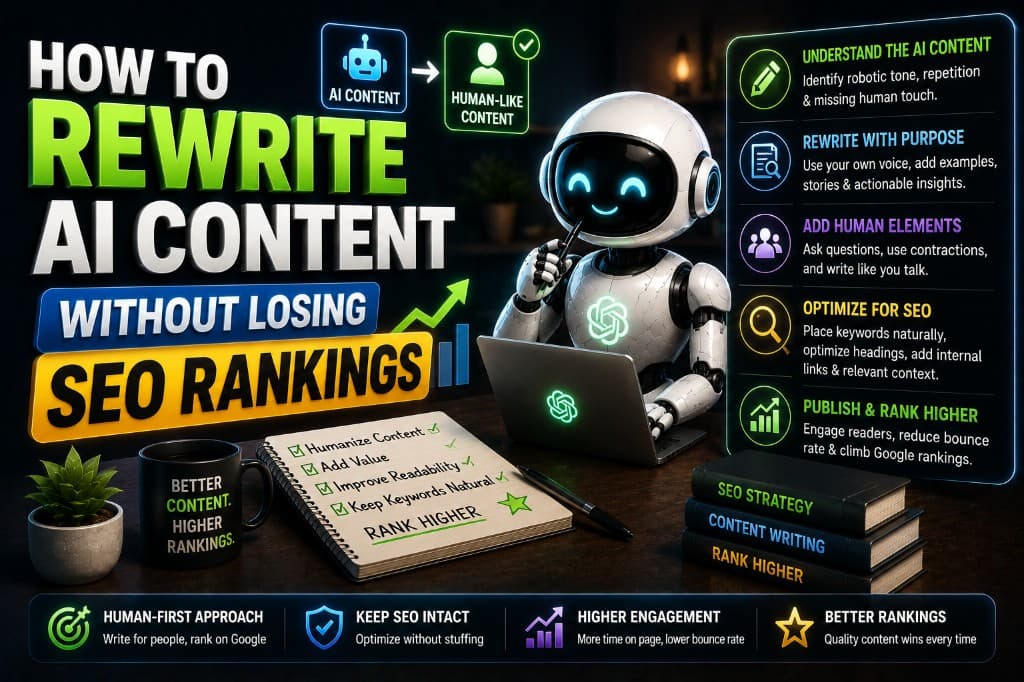
How to Rewrite AI Content Without Losing SEO Rankings
A blogger lost 75% of her traffic in the March 2024 update. Here's the exact rewriting process I recommended — and what recovered her rankings by August.
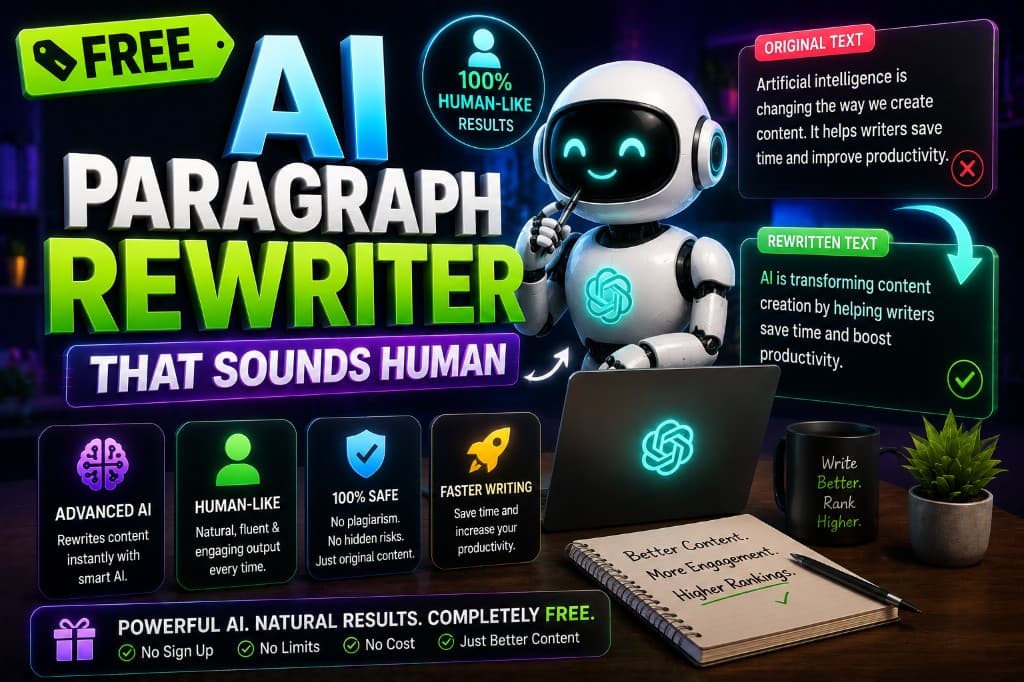
Free AI Paragraph Rewriter That Sounds Human
Most free AI rewriters are free for a reason. Here's which ones actually deliver usable output — and when free isn't enough to get the job done.
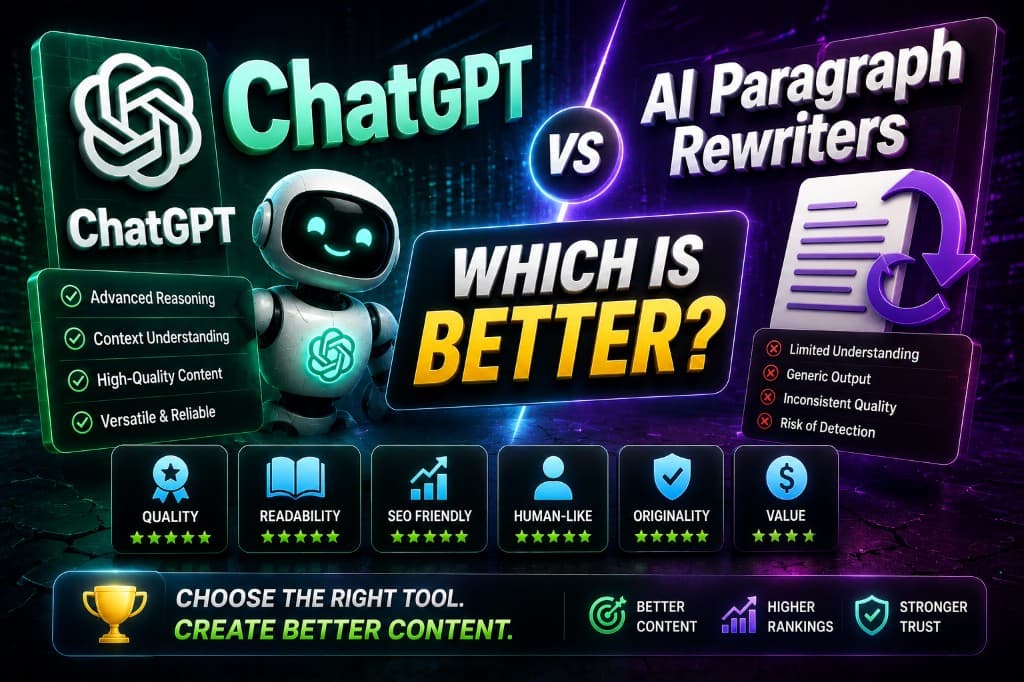
ChatGPT vs AI Paragraph Rewriters: Which Is Better?
ChatGPT rewriting took 43 minutes. A dedicated AI rewriter took 7. Here's what actually determines which tool to use — and where most people get it wrong.
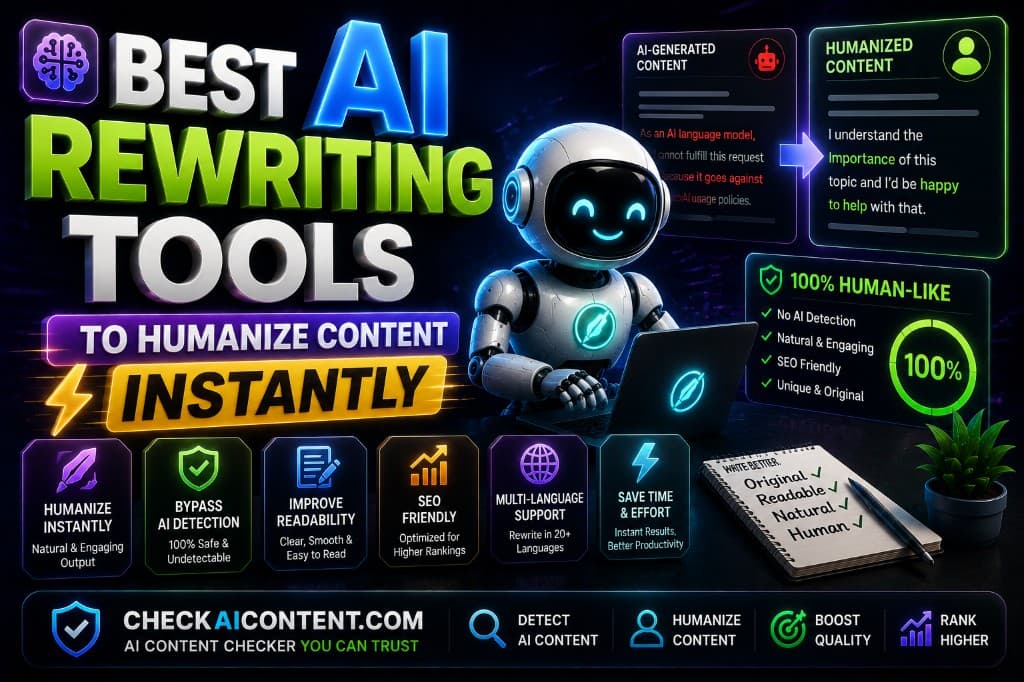
Best AI Rewriting Tools to Humanize Content Instantly
Real before/after case: 96% AI score to 24%, position 54 to 11. Here's the exact two-tool humanization workflow behind it — and what most guides skip.
Best AI Paragraph Rewriter Tools in 2026
Tested 8 AI paragraph rewriter tools across 3 weeks with real detection scores. QuillBot, Wordtune, Undetectable.ai — honest verdicts, no padding.