Grammar Checker — Spelling, Grammar & Style for English
Paste your draft and get instant grammar, spelling, and clarity suggestions across all major English variants. Whether you're a student submitting an admissions essay, an SEO writer polishing a pillar page, or a professional finalizing a client deliverable, this tool surfaces the errors that distract readers and undermine credibility — before anyone else sees them.
Supports US, UK, Canadian, and Australian English so locale-specific spelling, punctuation conventions, and vocabulary differences are handled correctly rather than flagged as errors. Up to 20,000 characters per check. No account or subscription required.
Then pair with our AI detector when you need an originality pass — grammar and authenticity in one workflow, no tab-switching required.
Free Online Grammar Checker & Spell Checker for Stronger English Writing
A grammar error in the wrong place is more than a typo. For a student, it's the difference between an essay that reads as carefully considered and one that reads as rushed. For an SEO writer, it's a credibility signal that Google's quality evaluators and real readers both notice. For a professional, it's the small thing that makes a hiring manager or client wonder whether the larger work was given the same level of care.
This tool catches those errors before they reach the people who matter. It surfaces spelling mistakes, punctuation problems, subject-verb disagreements, misplaced modifiers, confusing word pairs, and usage issues — the full range of errors that a fast self-edit misses because you know what you meant to write.
What makes this different from a basic spell-check:
A spell-checker catches words that don't exist. This grammar checker catches words that exist but are wrong in context — "affect" used where "effect" belongs, "it's" used where "its" is correct, a comma splice where a coordinating conjunction is needed, a plural form where a singular is required. These are the errors that slip past spell-check every time and land in published content far more often than they should.
The human judgment layer:
This tool surfaces issues and flags them for your review. It doesn't auto-correct. The reason is deliberate: automated grammar software still misses nuance, voice, and intentional style choices. A sentence fragment that a grammar checker flags might be exactly the rhetorical effect you were going for. A comma placement that looks unconventional might follow a style guide your publication uses. Every suggestion is a prompt for your own editorial judgment — not a directive to click Accept All.
Pair every grammar check with a critical read of the full draft. The tool handles the systematic error-catching. You handle tone, citations, storytelling, and the voice decisions that make your writing yours.
Grammar Software Built for Students, Teams & SEO Editors
How to Grammar-Check Text Online (Three Steps)
- 1
Step 1 — Paste your English draft
Copy your text into the checker input field and select your target English locale (US, UK, CA, or AU) from the dropdown. The locale selection matters — run it in the right variant for your audience before checking, not after. Paste the complete text you want checked, up to the 20,000-character limit per submission.
For long documents: process in logical sections — introduction, body, conclusion — rather than pasting the full document at once if it exceeds the character limit. Section-by-section checking also gives you cleaner error review: you can address all the issues in one section before moving to the next, which is faster than trying to manage a large, interleaved error list across a 4,000-word piece.
Supported content types: homework and academic essays, pitch decks and business proposals, long-form SEO guides and blog posts, email copy, social media captions, product descriptions, and any other English-language text you're preparing for a reader who will judge you on its quality.
- 2
Step 2 — Review grammar and spell alerts
After the check runs, you'll receive flagged suggestions across the error categories the checker covers. The critical step here — the one most writers skip — is evaluating each suggestion in context before accepting it.
Automated grammar software is powerful but imperfect. It doesn't know:
- Whether a sentence fragment is an error or an intentional rhetorical choice
- Whether an unconventional comma placement follows your publication's house style
- Whether a word that looks like a spelling error is a proper noun, brand name, or industry term
- Whether a suggested synonym substitution preserves your exact intended meaning
Read each suggestion. If it's clearly an error, fix it. If it's a style question, apply your own judgment. If the suggestion would change your meaning, reject it. The checker is surfacing issues for your review — the editing decision stays with you.
- 3
Step 3 — Export polished copy
Apply your accepted fixes and read the revised text through once from the top. This final read-through catches two things the automated check can't: errors introduced in the revision process itself (a cut-and-paste that left a duplicate word, a fix that created a new grammatical problem), and the overall flow and tone of the piece at the sentence level.
Once your grammar pass is complete, the workflow branches based on your content type:
- For purely human-written content: the grammar-checked draft is ready for final review and publication.
- For AI-assisted or mixed-author content: run the result through the AI Content Detector to understand the AI probability score of the final version, and use the Paragraph Rewriter on any sections that need structural variation before publishing.
Grammar Workflow Tips for High-Stakes Writing
High-stakes writing — admissions essays, client deliverables, published articles, weekly blog uploads — carries consequences that casual writing doesn't. A grammar error in an admissions essay doesn't just look bad; it can cost an applicant a competitive advantage they've spent years building. A grammar problem in a client deliverable signals to the client that the work wasn't reviewed carefully before it was sent. A grammar issue in a published SEO article signals to readers — and to Google's quality systems — that the content wasn't held to a high editorial standard.
Build the grammar check into the workflow, not as an afterthought:
The writers who benefit most from grammar checking tools are those who run the check as a named step in their editing workflow — not as an optional pass when they have time, but as a required checkpoint before any draft moves to the next stage. For blog writers: check before scheduling, not after. For students: check the day before submission, not the hour before. For content teams: check before the draft goes to the client, not after.
For mixed AI-and-human drafts specifically:
When a draft blends AI-generated outlines or sections with human editing, run grammar fixes first — before the AI detection pass. This matters because AI-generated text often contains its own distinctive error patterns (overly complex sentence structures that technically parse correctly but read awkwardly, comma placement that follows a different logic than human writing, word choices that are technically correct but register as slightly off to a human reader). Cleaning these up in the grammar pass first gives you a cleaner document to evaluate for AI probability, and a cleaner document to rewrite from if sections need restructuring.
Bookmark this page for regular use. The fastest way to improve your grammar over time is to check the same types of documents repeatedly — you start to recognize your own recurring error patterns, and those patterns become less common in your first drafts.
Grammar Topics This Checker Commonly Improves
Readers notice consistency before they notice clever ideas. A piece with a compelling argument but inconsistent comma usage, recurring subject-verb disagreements, or confusing word pairs reads as less trustworthy than the same argument expressed with clean, consistent grammar — even if the reader can't articulate exactly why. Solid grammar is invisible when it's right. It's very visible when it's wrong.
Grammar & usage
The most common grammar errors in professional and academic writing: subject-verb agreement failures (particularly with collective nouns, indefinite pronouns, and sentences where the subject is separated from the verb by a long clause), pronoun-antecedent disagreement, misplaced and dangling modifiers, incorrect use of confusing word pairs (affect/effect, fewer/less, who/whom, lay/lie, further/farther), and sentence structure problems that make the logical relationship between clauses unclear.
Spelling
Spelling errors fall into two categories: straightforward typos that a first-read misses because the brain fills in the correct word, and commonly confused homophones and near-homophones that are technically real words but wrong in context. The second category — their/there/they're, its/it's, your/you're, principal/principle, complement/compliment, stationary/stationery, discreet/discrete — is the one that trips up even careful writers under time pressure, and the one that a grammar checker is specifically calibrated to catch.
Punctuation
The punctuation errors that change meaning most significantly: comma splices (two independent clauses joined with only a comma, no coordinating conjunction), apostrophe errors in possessives and contractions, sentence boundary errors (run-ons and fragments depending on context), and colon and semicolon usage. These aren't just style questions — some of them change what the sentence actually says. A missing Oxford comma before the last item in a list can genuinely alter the meaning of a legal or contractual statement. A misplaced apostrophe turns a possessive into a plural. These are the errors worth catching before publication.
Beyond Green Underlines: Grammar + AI Editing Strategy
Automated grammar support works best when you treat every suggestion as a question, not a command. The checker is asking: "Is this what you meant? Here's a version that's more conventionally correct — do you want it?" Your answer might be yes, or it might be "no, the fragment is intentional, the comma is there for rhythm, the word choice is exactly right for this context."
For purely human-written content:One grammar pass plus a final read-through is sufficient for most documents. For high-stakes submissions (applications, published articles, client work), a second pass the following day — when you're reading with fresh eyes rather than still seeing what you meant to write — catches errors the first pass misses.
For AI-assisted writing:The grammar strategy shifts. AI-generated text tends to produce specific error patterns that a grammar checker catches well — overly complex nested clauses, comma usage that follows a slightly different logic than human writing, word choices that are technically correct but pragmatically off. But AI-generated text also produces errors a grammar checker doesn't catch: factual inaccuracies, citation hallucinations, and logical gaps that only a human reviewer familiar with the subject matter can identify. The grammar check handles the language layer. The fact-check and logic review handle the content layer. Both are required.
The goal isn't a document with zero grammar flags. The goal is a document where every grammar decision — conventional or unconventional — was made intentionally by a writer who knew what the rules were and chose accordingly.
Grammar Examples Worth Double-Checking Before Publish
Your live results will depend on your specific text, context, and dialect. The following are illustrative patterns that consistently appear in professional and academic writing — the categories where errors most commonly slip through to publication.
| Topic | Weak (Common Error) | Stronger (Correct) |
|---|---|---|
| Subject-verb agreement | Each of the students have a laptop. | Each of the students has a laptop. |
| Word choice (affect / effect) | The affect of the delay was significant. | The effect of the delay was significant. |
| Comma splice | We finished the draft, we sent it to the editor. | We finished the draft, and we sent it to the editor. |
| Plural agreement | Both candidate was interviewed yesterday. | Both candidates were interviewed yesterday. |
| Possessives | The companies profit grew steadily. | The company's profit grew steadily. |
These five categories — subject-verb agreement, confusing word pairs, comma splices, plural agreement, and possessives — account for a disproportionate share of the grammar errors that appear in published content across all writing contexts. They're worth checking for specifically, not just relying on a general pass to catch.
Turn Edits into Better Habits
Every flagged phrase is a chance to notice a rule you might usually skip. Grammar checking isn't just a proofreading step — it's a learning loop. When you see the same error flagged repeatedly across multiple documents, that's your writing telling you something specific about a gap between what you think you know and what you're actually producing.
Over time, the errors that get flagged most often in your early drafts start to appear less frequently. You begin to catch them in your own read-throughs before you run the checker. Your first drafts get sharper. The grammar check pass gets shorter — not because you've stopped using it, but because you've internalized the patterns it used to catch for you.
"I finally stopped mixing up its and it's once I saw them corrected in context every time."
That's what a grammar checker is actually for: not just to fix the draft in front of you, but to make the next draft better before it's written.
Frequently asked questions
Explore our AI tools
Guides for Grammar Checker
In-depth articles on using Grammar Checker — detection signals, workflows, and publishing best practices.
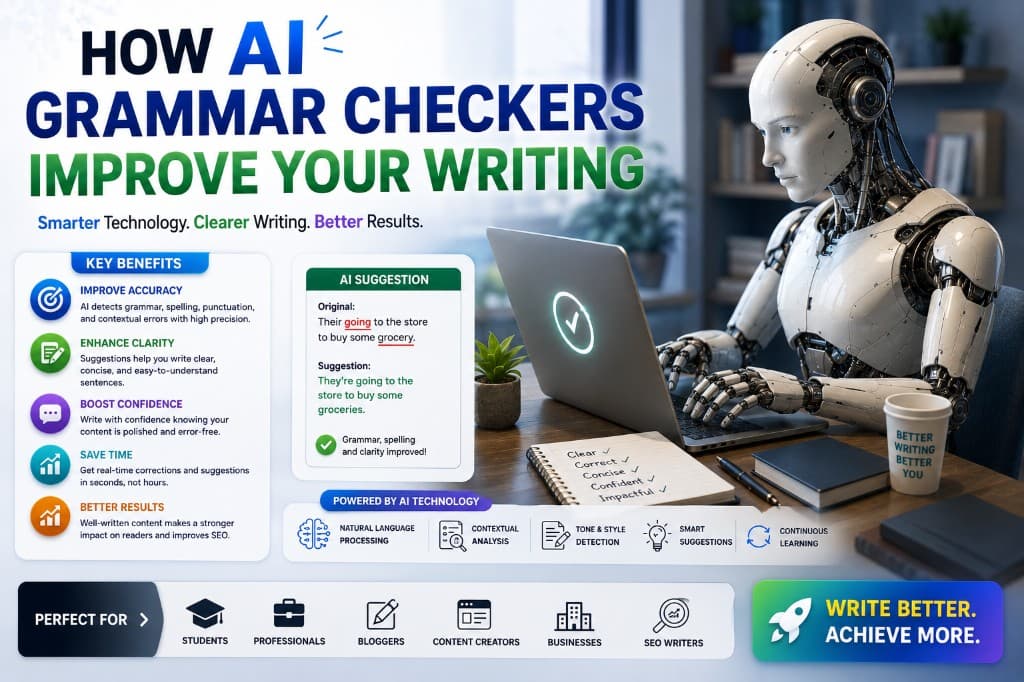
How AI Grammar Checkers Improve Your Writing
ProWritingAid found 34 sticky sentences in a piece I thought was clean. What happened to my time-on-page after I fixed them — and what these tools actually teach you.
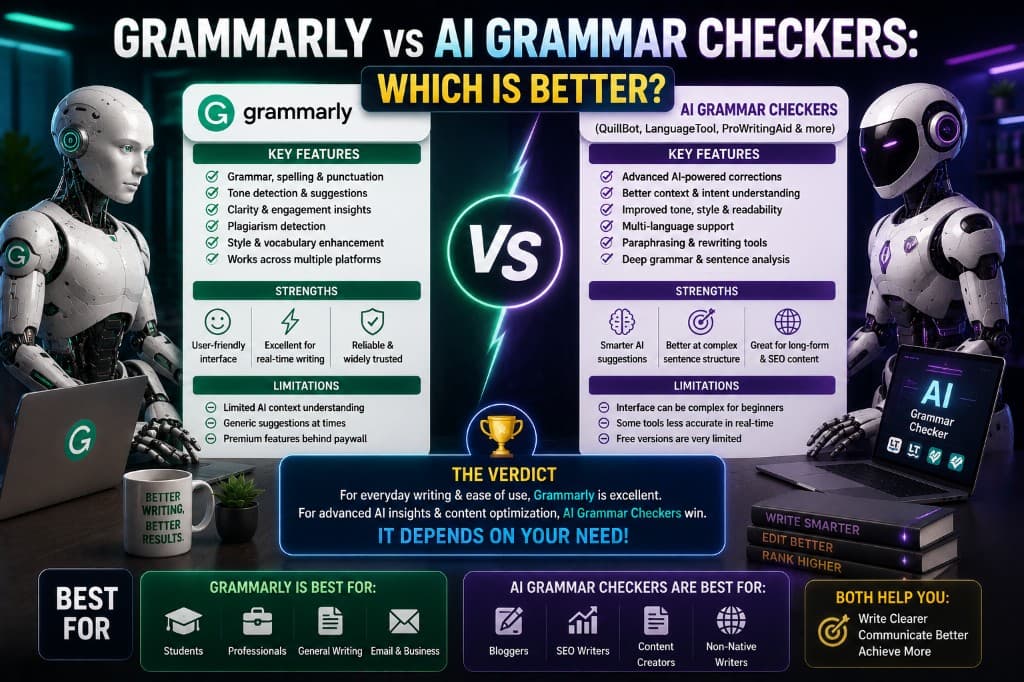
Grammarly vs AI Grammar Checkers: Which Is Better?
Grammarly is an AI grammar checker. So is the real question worth asking. After 8 months comparing Grammarly, ProWritingAid, LanguageTool and Hemingway — here's the truth.
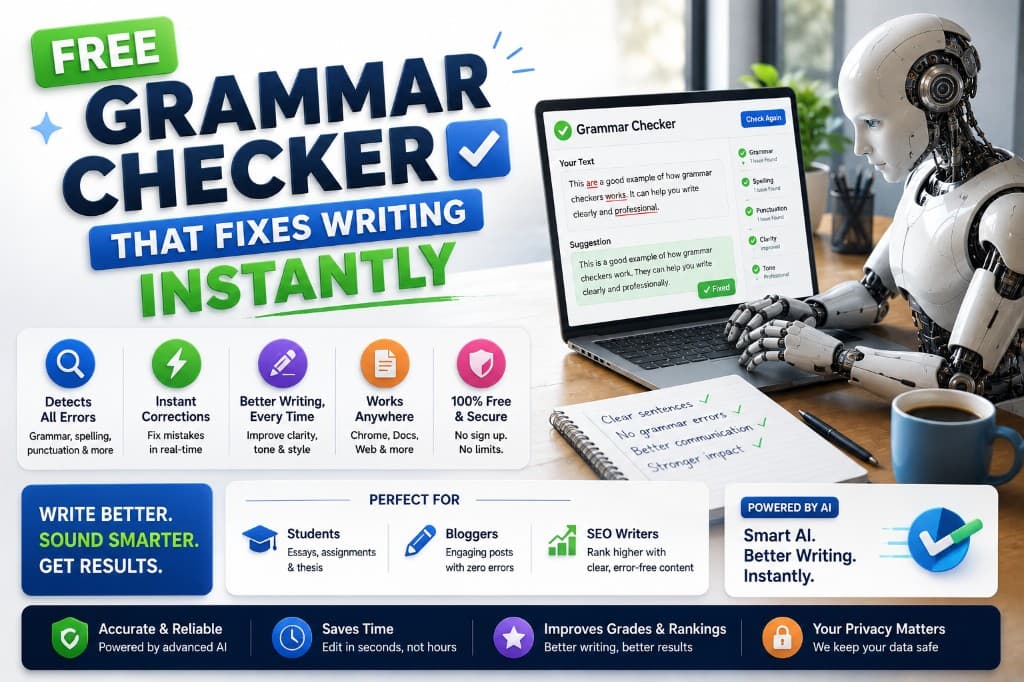
Free Grammar Checker That Fixes Writing Instantly
Free grammar checkers have genuinely gotten good. Here's what each free tool actually delivers in 2026 — and the exact point where free stops being enough.
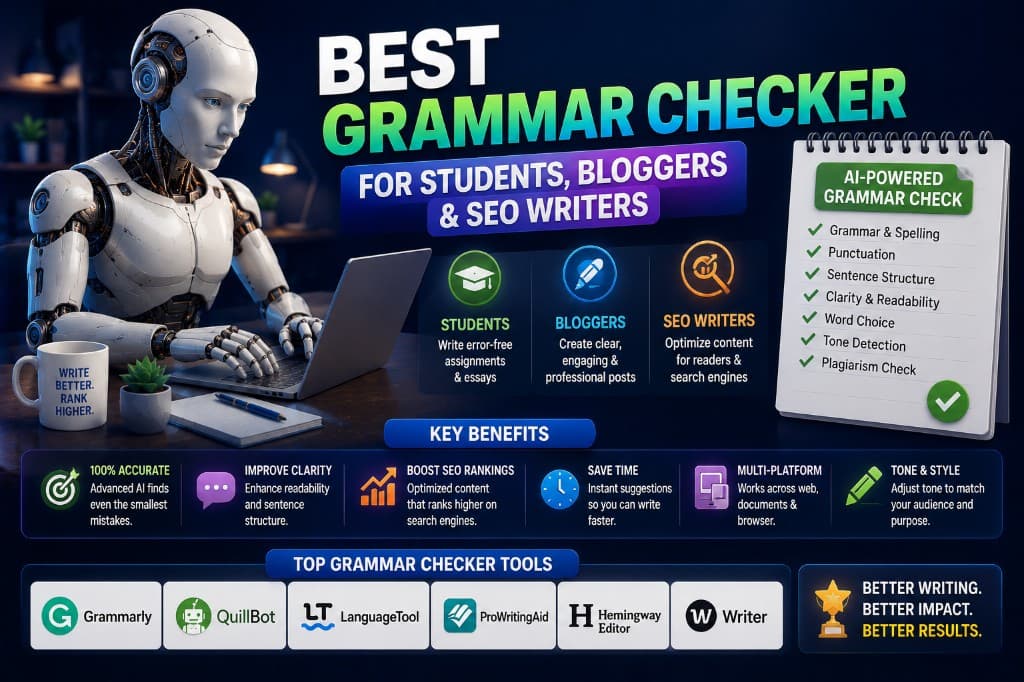
Best Grammar Checker for Students, Bloggers & SEO Writers
Students, bloggers, and SEO writers need different things from a grammar checker. Here's the honest routing — and why one-size-fits-all recommendations miss the point.
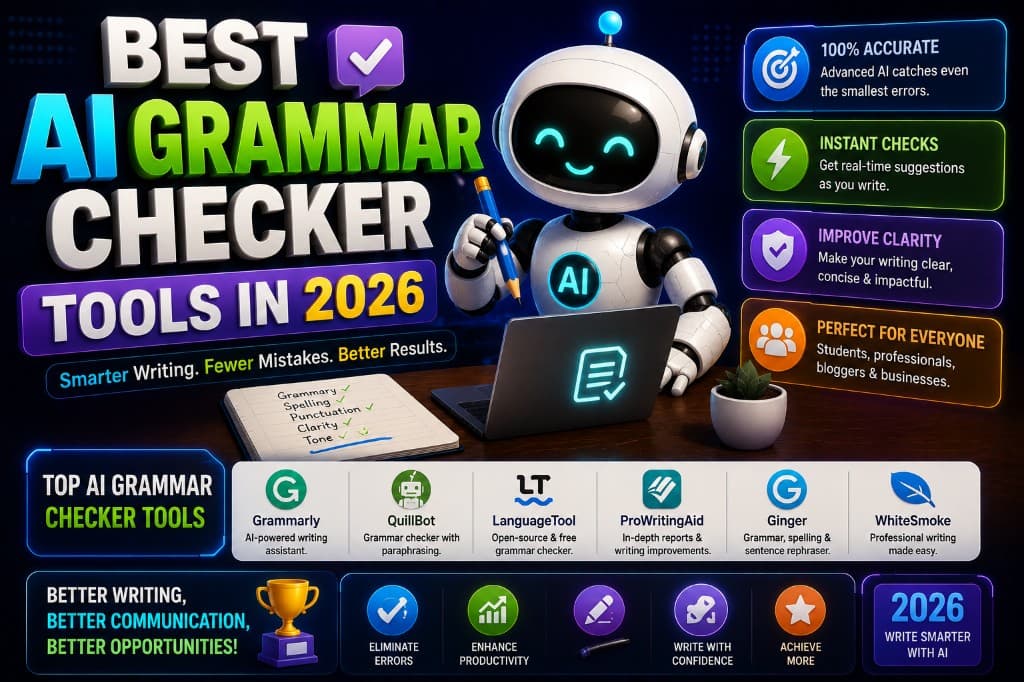
Best AI Grammar Checker Tools in 2026
A comma splice in a client proposal I'd read twice. That's what changed how I use grammar checkers. Here's what actually works in 2026 — with real pricing.