Free Grammar Checker That Fixes Writing Instantly
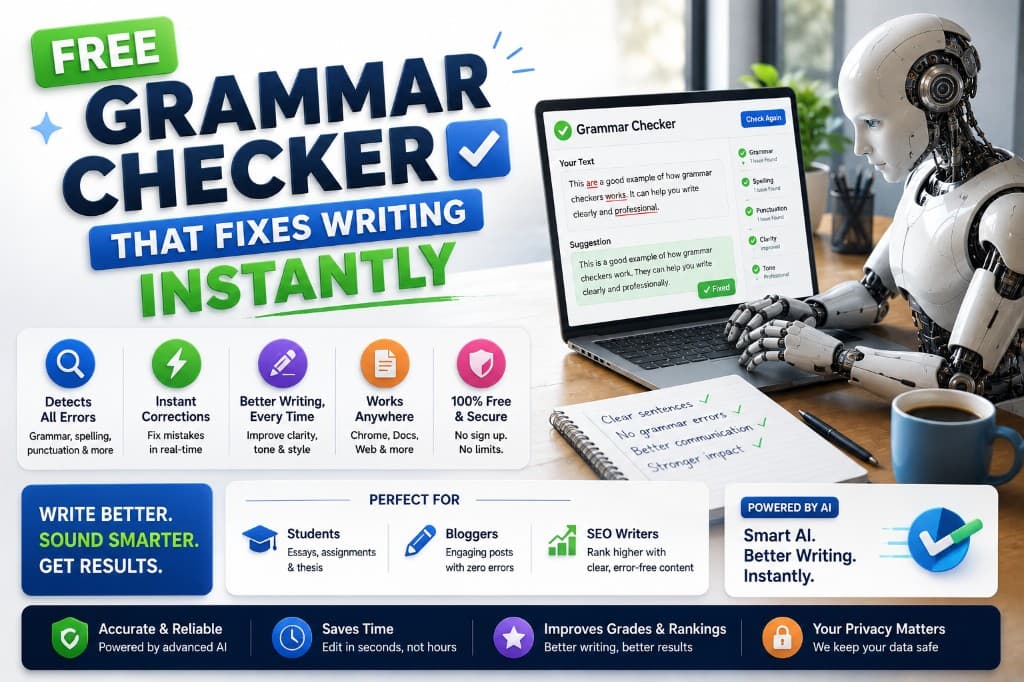
Free grammar checkers have gotten genuinely good. That's not a sentence I would have written three years ago, and I want to say it plainly before anything else, because too many articles in this category start by telling you free tools are "limited" as a setup for recommending a paid one.
Some are limited. Some are surprisingly capable. The difference matters if you're a student on a tight budget, a freelancer who needs basic proofreading without a subscription commitment, or a blogger who publishes occasionally and can't justify $12/month for something they'd use twice a week.
Here's what the best free options actually deliver — specific features, real word limits, and the exact point where each one stops being enough.
Grammarly Free — Still the Starting Point
The free version of Grammarly is the baseline against which every other free grammar tool gets measured, and it earns that position. Browser extension, desktop app, web editor — it integrates everywhere, runs automatically as you type, and catches the errors that matter most: spelling, punctuation, basic grammar, and obvious clarity problems.
What's genuinely useful for free: the real-time underlines as you type, the basic explanations of why something is flagged, and — this is underutilized — the Tone Detector, which tells you what register your text is actually landing in rather than what you intended.
What's paywalled: advanced clarity suggestions, full style analysis, rewriting options, and the vocabulary enhancement features. The free tier catches errors. The paid tier helps you improve the writing beyond error correction.
For most casual use — emails, short blog posts, social content — the free tier is sufficient. I've used Grammarly free on client emails for months at a stretch when I've been between paid subscriptions, and the gap in day-to-day professional writing was smaller than I expected.
Honest personal note: I cancelled my Grammarly Premium subscription once to test whether I actually needed it, intending to upgrade after one month if I missed the features. I lasted six weeks before renewing. The free tier handles grammar. Premium handles everything that makes the writing better after the grammar is clean. Six weeks was enough to feel the difference.
LanguageTool Free — Best Free Option for Non-English Writers
LanguageTool's free tier is the most internationally useful grammar tool available without payment. It supports 30+ languages — including German, French, Spanish, Portuguese, Polish, Dutch — at a quality level that Grammarly's limited non-English support doesn't match.
For the English free tier, LanguageTool catches grammar and spelling errors reliably, with reasonably clear explanations for each flag. The browser extension works across Gmail, Google Docs, and most content management platforms. Word limit per check: around 20,000 characters on the free tier, which covers most blog-length content comfortably.
Where it falls short of Grammarly free: the style suggestions are less nuanced, and the tone analysis isn't present. It's a grammar and spelling checker in the traditional sense — accurate and useful — rather than a writing improvement platform.
For English-first writers: Grammarly free edges it out. For writers working in multiple languages or primarily in a non-English language: LanguageTool free is the stronger choice, and there isn't a close second at the free tier.
Hemingway Editor — Free Readability Tool Worth Bookmarking
Hemingway is free on the web (hemingwayapp.com) with no account required, no word limit, and no time restriction. Paste your text and it instantly highlights:
- Red: sentences that are very hard to read (too complex)
- Yellow: sentences that are hard to read
- Blue: adverbs (consider cutting or replacing with stronger verbs)
- Green: passive voice constructions
- Purple: words with simpler alternatives
It doesn't catch grammar errors in the traditional sense — a misspelling is invisible to it. What it catches is the readability layer that grammar tools miss: density, complexity, and construction choices that slow readers down without the writer noticing.
I use the free Hemingway web tool on every blog introduction before publishing. Takes 90 seconds. If the intro has more than one red sentence, it gets rewritten before anything else on the page gets touched. The intro is where readers decide whether to stay, and density in the first paragraph is the fastest way to lose them.
Quillbot Grammar Checker — Free Add-On Worth Knowing
QuillBot's grammar checker (separate from its paraphrasing tool) is free with a QuillBot account and covers basic grammar and spelling correction without the 125-word limit that applies to the paraphraser. It's less sophisticated than Grammarly's real-time suggestions but useful as a final pass — paste a finished draft, run the grammar check, catch anything that slipped through.
For writers already using QuillBot for paraphrasing, adding the grammar check to the workflow costs nothing and takes 30 seconds per piece. For writers not already in the QuillBot ecosystem, it's not worth a separate account — Grammarly free does the same job with better explanations.
When Free Stops Being Enough
There's a specific moment when free grammar tools become a bottleneck rather than a solution, and it's worth naming so you can recognize it when it arrives.
Free tools stop being enough when:
- You're producing more than 5-6 pieces per week and hitting rate limits or word limits regularly
- Your writing issues are in the style/clarity layer rather than the error layer (Grammarly free doesn't touch this)
- You're writing long-form content — reports, essays, ebooks — where structural analysis (sentence length distribution, pacing, passive voice percentage) would genuinely change the output
- You're writing in a professional context where a missed nuance costs you something real
At that point, the tool comparison across the full grammar checker category is worth reading before committing to any paid subscription — the right paid tool depends on what kind of writer you are and what your writing is being used for.
For everyone else: Grammarly free plus Hemingway web is a combination that costs nothing, integrates seamlessly into any workflow, and handles the majority of what most writers actually need corrected.
Start there. Upgrade when the limits become friction you can measure.
— Alex Carter