AI Tone Changer — Reshape Voice for Every Audience
Paste any piece of copy — a marketing email, a job posting, a customer service script, a blog section, or an SEO landing page — pick a target tone, and the tool reshapes how the message sounds without changing what it says. The same factual content. The same core argument. A completely different voice.
Seven tone presets are available: Professional, Friendly, Formal, Casual, Confident, Empathetic, and Neutral. Each one adjusts vocabulary, sentence rhythm, and register to match the emotional register your audience expects in that specific context. Accepts 20–12,000 characters per submission. No account required.
Tone adjustments are AI-generated drafting help only. Review for accuracy and context before publishing — particularly for regulated, compliance-sensitive, or legally binding language.
AI tone changer for brand voice, CX scripts & employer branding
The words you choose and the way you phrase things carry as much weight as what you're actually saying. A job posting that reads too stiff repels the candidates you want. A customer service response that sounds too casual in a complaint escalation undermines trust. An SEO pillar page that strikes the wrong register for the target audience — too academic for a consumer audience, too breezy for a B2B decision-maker — loses readers before they reach the conversion point.
This tool solves the register mismatch problem without requiring you to rewrite from scratch.
For brand and marketing teams: Brand voice consistency across channels is one of the hardest operational problems in content marketing. The same core message needs to land differently on LinkedIn, in a customer newsletter, on a product page, and in a CX chatbot script — and the tonal difference between those contexts is real and significant. This tool lets you adapt a single approved piece of copy to multiple channel registers in seconds, keeping the approved facts, positioning, and claims intact while shifting only the voice.
For recruiters and HR teams: Outreach copy that reads as stiff or corporate filters out candidates who read it as a cultural mismatch before they ever apply. The Friendly and Confident presets are particularly useful for job postings and recruiter outreach — they shift the register toward conversational without losing the professional credibility that serious candidates are also looking for. Similarly, onboarding emails and internal HR communications often benefit from an Empathetic tone shift that makes policy language feel supportive rather than procedural.
For customer experience and support teams: CX scripts carry emotional weight that standard business copy doesn't. An escalation response that sounds too formal feels dismissive. A refund confirmation that sounds too casual feels unprofessional. The Empathetic and Neutral presets are built for the register balance that effective CX communication requires — warm enough to acknowledge the customer's situation, precise enough to be trustworthy and clear.
For SEO teams and content strategists: Pillar pages and cluster content often need to serve multiple reader personas simultaneously — or need to be adapted for different segments of a target audience. The tone changer lets SEO teams produce formal and casual variants of the same content block for A/B testing, adapt cornerstone content for different international market registers, or adjust thought-leadership articles for different distribution channels without rebuilding the content from scratch each time.
For teachers and educators: Feedback that lands too harshly can disengage students. The Friendly and Empathetic modes help educators reframe constructive criticism in a tone that feels supportive and encouraging without softening the substance of the feedback itself. The same principle applies to parent communications, peer review comments, and any academic context where the emotional delivery of accurate feedback matters.
Use cases for automated tone adjustment
How the Tone Changer Works on CheckAIContent
- 1
Step 1 — Paste your marketing or operational copy
Copy your text directly into the input panel. The tool accepts 20–12,000 characters, so individual paragraphs, full email bodies, long-form landing page sections, and multi-paragraph CX scripts all fit within a single submission. For best results, submit complete, contextually coherent text rather than isolated sentences — the tone adjustment is more accurate when the tool has enough context to understand what the text is trying to accomplish and for whom.
If you're working on a long document, process it in logical sections: intro, body, CTA, footer. This gives you cleaner comparison points between original and adjusted text, and makes it easier to decide which parts to keep as-is and which parts to replace with the adjusted version.
- 2
Step 2 — Choose your tone goal
Select the preset that matches the register your target audience expects in this specific context. If you're not sure which one to start with, a useful approach is to describe the relationship between the writer and the reader: peer-to-peer with warmth → Friendly; authority-to-subject → Formal; brand-to-consumer with energy → Confident; support-agent-to-frustrated-customer → Empathetic; technical documentation → Neutral; standard business correspondence → Professional; everyday consumer content → Casual.
Cycle through two or three presets on the same text and compare the results side by side before committing to one. A text that you expect to work well in Confident mode sometimes reads better in Professional, and vice versa — the comparison is fast and takes 30 seconds per pass.
- 3
Step 3 — Layer in manual brand edits
Automated tone shifts handle register and vocabulary — they don't know your brand guidelines, your legal disclosures, your product terminology, or your leadership's preferred phrasing. After applying the tone preset, open the adjusted output and make the brand-specific refinements that only a human reviewer can apply:
- Restore any brand-specific terminology the tool may have substituted with generic synonyms
- Reinsert regulatory language, disclaimers, or compliance disclosures that need to appear verbatim
- Verify that product names, version numbers, and technical specifications are accurate
- Apply any glossary-specific terms that are part of your brand voice guide
- Route through the appropriate stakeholder approvals before the copy goes live
The tone changer gets you 80–90% of the way to a register-appropriate draft. The final 10–20% — brand specificity, compliance accuracy, and stakeholder sign-off — is what professional review is for.
Compliance-Sensitive Messaging Still Needs Humans
Automated tone adjustment tools can inadvertently soften the language around legal obligations, accountability statements, and regulatory disclosures. A phrase like "you are required to" can become "you'll want to" in a Casual or Friendly tone pass — functionally identical in register, but legally meaningfully different in what the reader understands their obligation to be.
Industries where human review is non-negotiable before publishing tone-adjusted copy:
Financial services — Regulatory language in financial products, investment disclosures, and fee structures must be reviewed by compliance teams before any version — tone-adjusted or otherwise — is published to customers. Tone shifts that make fee language sound friendlier can inadvertently obscure material information in ways that create regulatory exposure.
Healthcare and pharmaceutical — Empathetic tone shifts in healthcare communications can soften clinical language in ways that change what patients understand about risks, dosages, instructions, and outcomes. Medical content must always be reviewed by a qualified healthcare professional before publication, regardless of the editing tool used.
HR and employment law — Job postings, employment agreements, HR policies, and disciplinary communications carry legal implications. A Friendly tone shift that makes a policy statement sound less formal can unintentionally create ambiguity about whether a requirement is mandatory or optional. HR legal counsel should review any tone-adjusted employment-related communications before distribution.
Government and public sector — Government communications often carry legal authority embedded in specific phrasing. Tone-adjusting official communications without legal review can create confusion about obligation, eligibility, and rights.
For all other contexts: Use the adjusted output as a working draft, not a final deliverable. Read it against your original to verify the meaning is preserved. Spot-check any statistics, named citations, or factual claims the tool may have subtly reworded. Apply your own editorial judgment to anything that reads slightly off — the tool is optimizing for register, not for accuracy, and those two goals occasionally pull in different directions.
Frequently asked questions
Explore our AI tools
Guides for AI Tone Changer
In-depth articles on using AI Tone Changer — detection signals, workflows, and publishing best practices.
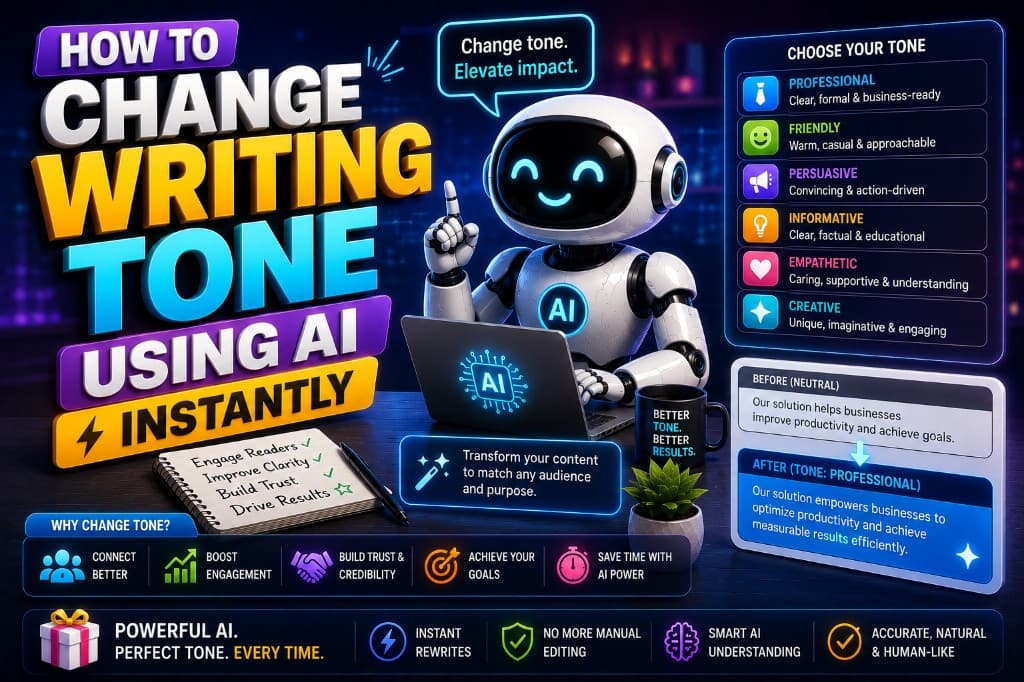
How to Change Writing Tone Using AI Instantly
Step-by-step: how to change writing tone using AI in under 10 minutes — which tool for which shift, why to process in sections, and the one pass you can't skip.
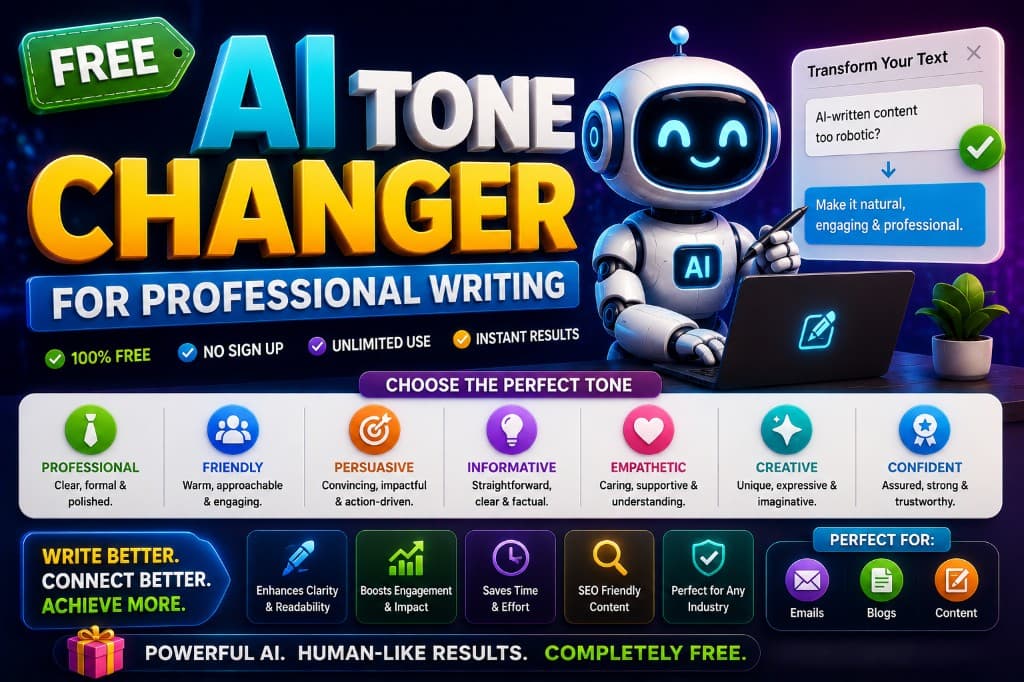
Free AI Tone Changer for Professional Writing
Free AI tone changers exist and some of them work. Here's what each free tier actually gives you — and the honest limit every free option eventually hits.
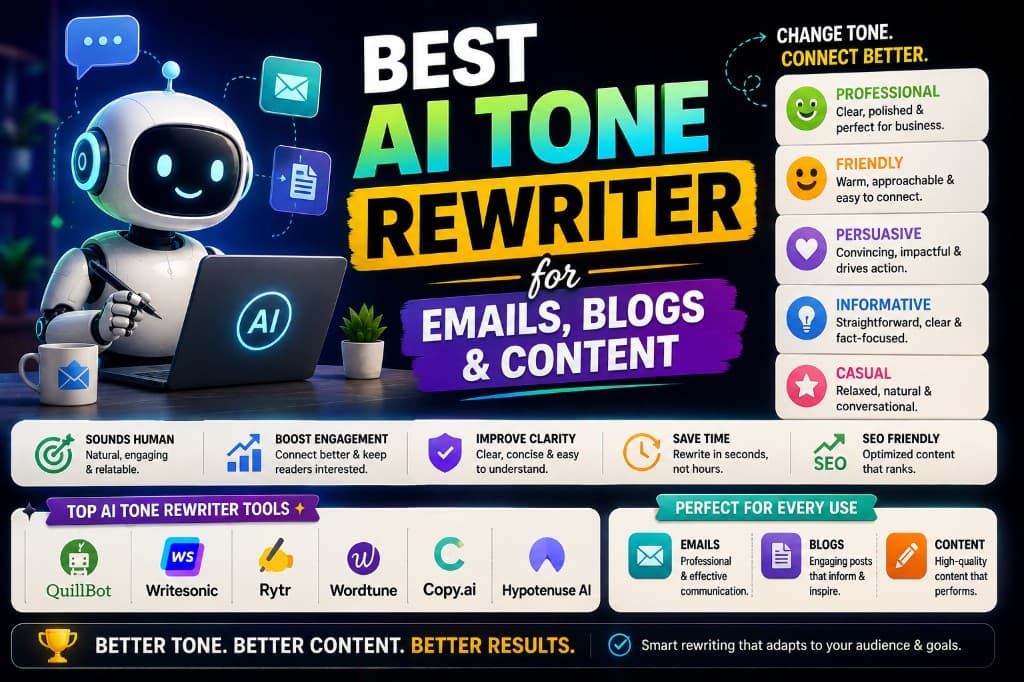
Best AI Tone Rewriter for Emails, Blogs & Content
One tool for emails, blogs, and reports sounds efficient. It isn't. Here's which AI tone rewriter actually works for each context — and why the difference matters.
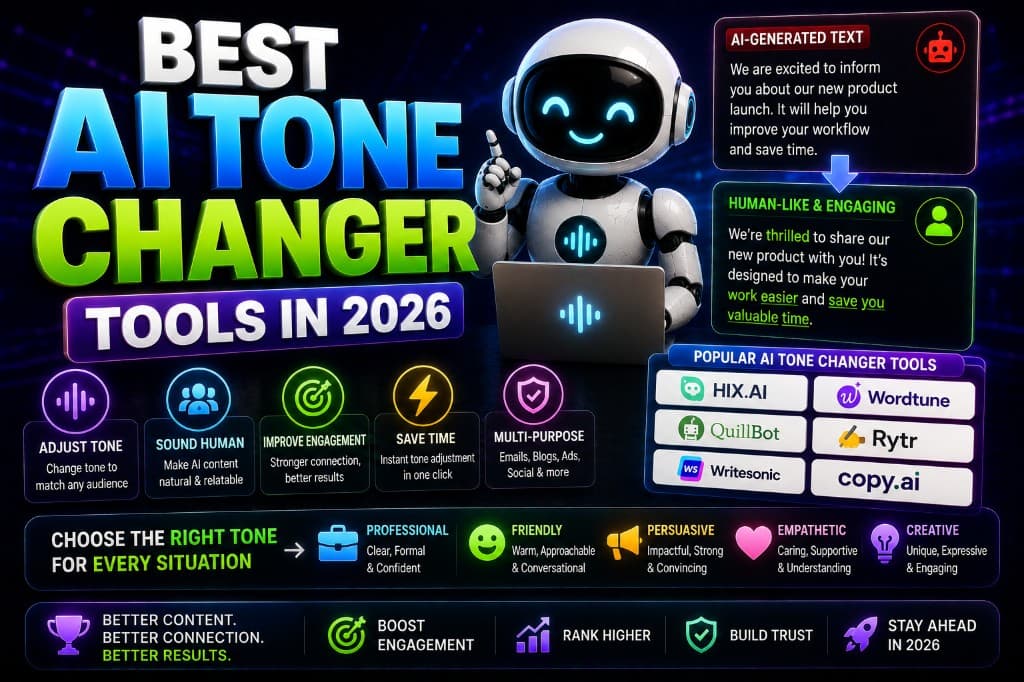
Best AI Tone Changer Tools in 2026
Tested AI tone changers across a year of real client work. Wordtune, Grammarly, QuillBot — here's when to use each and what the free tiers actually deliver.
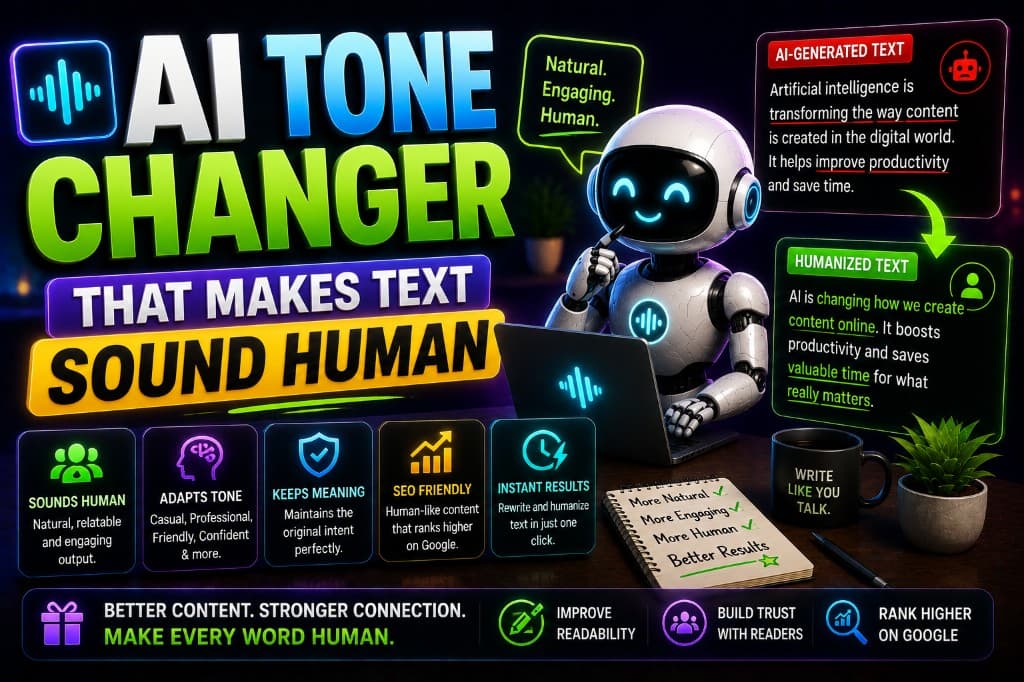
AI Tone Changer That Makes Text Sound Human
Adding a warmer tone to AI content doesn't make it sound human. Here's what actually does — and why the best humanization step isn't a tool at all.